Base App QR Code Connection Not Working? Coinbase Changed Cross-Device Sign-In
The Base app no longer supports connecting to dapps on another device by scanning a QR code. Here are the supported alternatives and safety checks.
Crypto Support & Research Desk
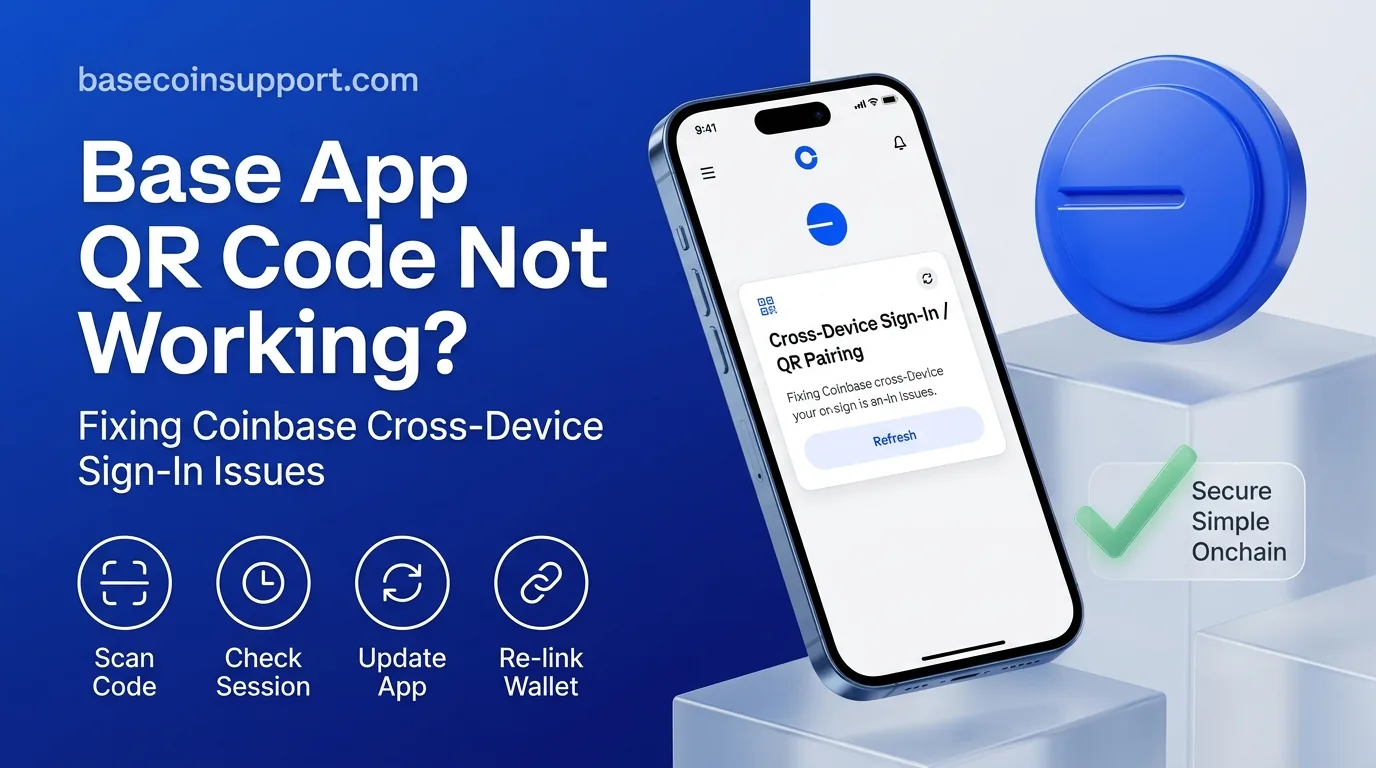
Direct answer: If a Base app QR-code connection from your desktop or another device no longer works, this may be expected behavior rather than an outage. Coinbase says connecting the Base app to an app on a different device is no longer supported. Users who relied on QR-code connections must reconnect using the Base app explorer, a compatible smart wallet/passkey flow, or a browser on the same mobile device.
What changed with Base app connections?
Coinbase’s current Base app help guidance says cross-device app connections using the Base app are no longer supported. This affects users who opened a dapp in an external desktop or mobile browser, scanned a QR code, and then used the Base app to sign in or approve transactions.
How to connect to a dapp now
Use the Base app explorer
Open the Base app and use its app explorer to open the dapp directly. Select the app from the list or manually enter the verified URL. Re-initiate the transaction there and review it before confirming.
Use a Base smart wallet with a passkey
If the dapp supports Base smart wallet connections, choose Base and use the passkey option. Smart wallets are not compatible with every app or network, so a missing connection method does not mean Base itself is down.
Use a browser on the same phone
Coinbase also documents a same-device flow: open the dapp in a browser on the same phone, choose Base, select the mobile-app option, and continue into the Base app when prompted.
Why does my old QR connection fail?
A QR code generated by a dapp is not proof that the Base app can still consume that connection request. The problem is confusing because Base can be fully operational while the wallet connection method has changed.
Is Base network down?
Base’s official status page reported no mainnet incidents on September 19, 2026. If the only symptom is a cross-device QR connection failing, check the connection method before treating it as a blockchain outage.
What if a transaction was already started?
Do not repeatedly sign or recreate transactions without checking the first attempt. If a transaction hash exists, inspect it on a Base explorer. If no hash exists, the request likely never reached the blockchain. Reconnect through a supported method and only retry after confirming the first request was not broadcast.
Security warning
Never scan a QR code sent by an unsolicited support account and never type a recovery phrase into a website to restore Base connectivity. Review the dapp domain, token approvals and spending permissions before signing. A legitimate connection fix does not require transferring funds to a support wallet.
Official sources
Coinbase Help: Connect or sign in to an app with the Base app
Base Status
FAQ
Why will my Base app not scan a dapp QR code?
Cross-device app connections using the Base app are no longer supported. Use the Base app explorer, a compatible smart wallet/passkey, or a same-device mobile browser.
Did I lose my assets?
No. A dapp connection method is separate from ownership of your on-chain assets.
Can I reconnect from desktop?
Some smart-wallet flows support passkeys, but the old Base app cross-device QR workflow itself is no longer supported.
This article is informational customer-help content and is not investment, financial, legal, or tax advice. Verify current wallet behavior through official Coinbase and Base sources before signing transactions.
Regulatory & Financial Risk Disclosure
The opinions, research, and analysis expressed in this publication are solely for educational and informational purposes and do not constitute investment, financial, legal, or tax advice. Digital asset markets are speculative and volatile. Past performance does not indicate future results. Always perform independent due diligence.
About the Author
Crypto Support & Research Desk
Crypto Support Desk publishes practical, source-led guides to exchange, wallet, network and on-chain service changes. Information is checked against primary or reputable security sources and is not investment advice.